LabDron DJI RC (RM330)
Permanent ADB Root and FCC: up to 10x transmitter power, 5.8 GHz band, 500 m altitude. Everything runs automatically every time the controller powers on — no extra steps.

Root + FCC
World's first for DJI RC (RM330)
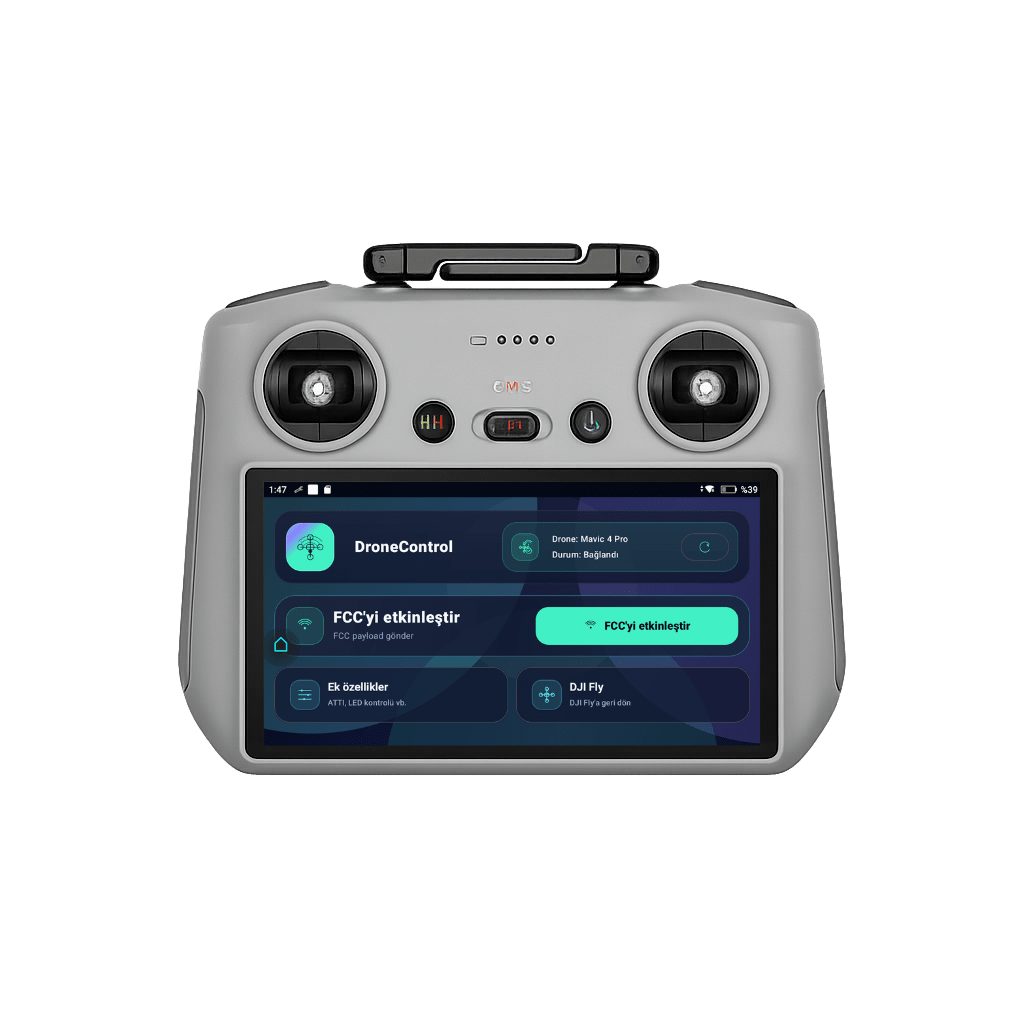
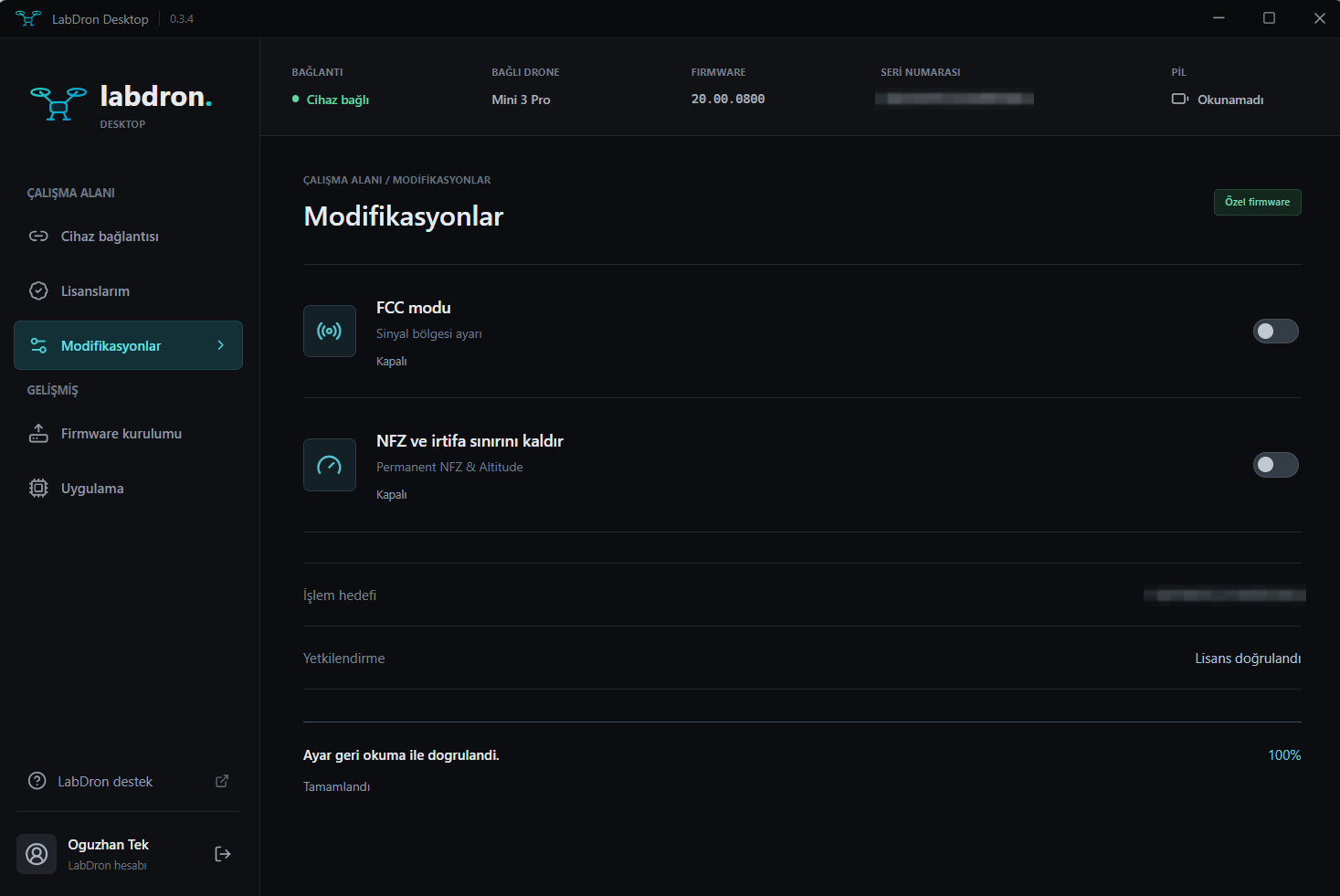
FCC Signal Boost
Optimizes your controller's transmitter power to extend range and improve link stability.
Limit Removal
Removes altitude and distance limits and unlocks advanced autonomous flight features.
Secure Licensing
Every license is permanently tied to your account. Card details are never stored.
Expert Support
Our technical support team is with you throughout installation and use.
Showcase
Remote Controller Software
FCC software installed on your DJI remote controller. Create an account first, then complete your purchase.
 UNLIMITED
LabDron Android DJI FCC
LabDron FCC app for Android phones. The 6-character username and 8-character password you choose at checkout are activated automatically…
$24.90
 UNLIMITED
LabDron Ultra FCC + Atti Mode + Offline
LabDron Ultra FCC The next-generation FCC solution for DJI controllers LabDron Ultra FCC is an advanced software solution that runs your…
$49.90
 UNLIMITED
DJI FCC RC2 (+120 m Limit Removal)
A professional flight app built for DJI drone users. On top of the standard DJI experience it adds advanced flight features for more…
$39.90
 SADECE FCC
LabDron DJI RC (RM330) — FCC Only
FCC for the DJI RC (RM330) controller: up to 10x transmitter power, 5.8 GHz band and a 500 m altitude limit. Installed automatically by the…
$89.90
ADB ROOT + FCCLabDron DJI RC (RM330) — ADB Root + FCC
Everything in FCC Only plus permanent ADB Root access on the DJI RC (RM330) — full control of the controller. Installed automatically by…
$119.90
Windows
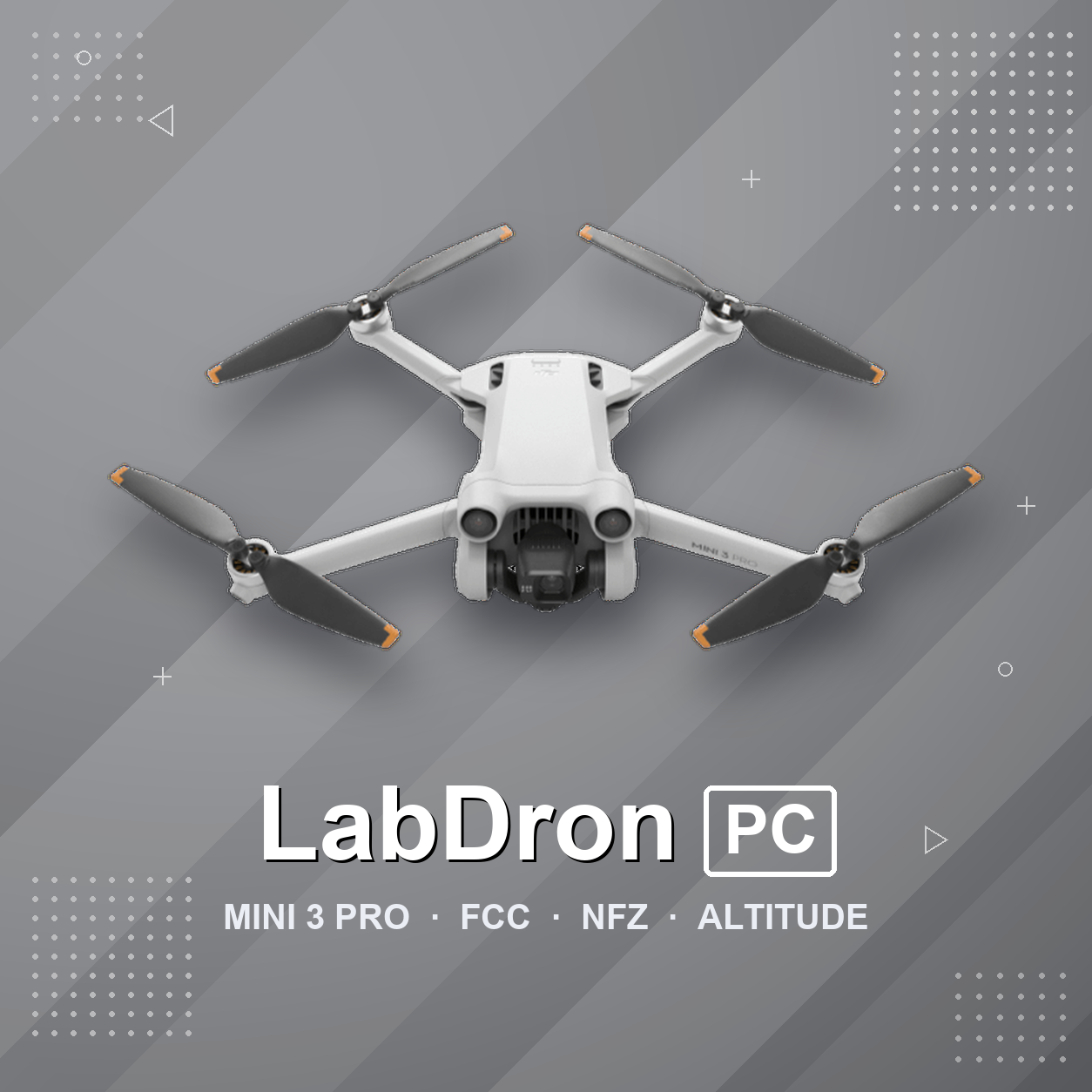
LabDron PC
Licenses that work with our PC app. The app is a free download; features unlock with a license.
Compatibility
Do we support your model?
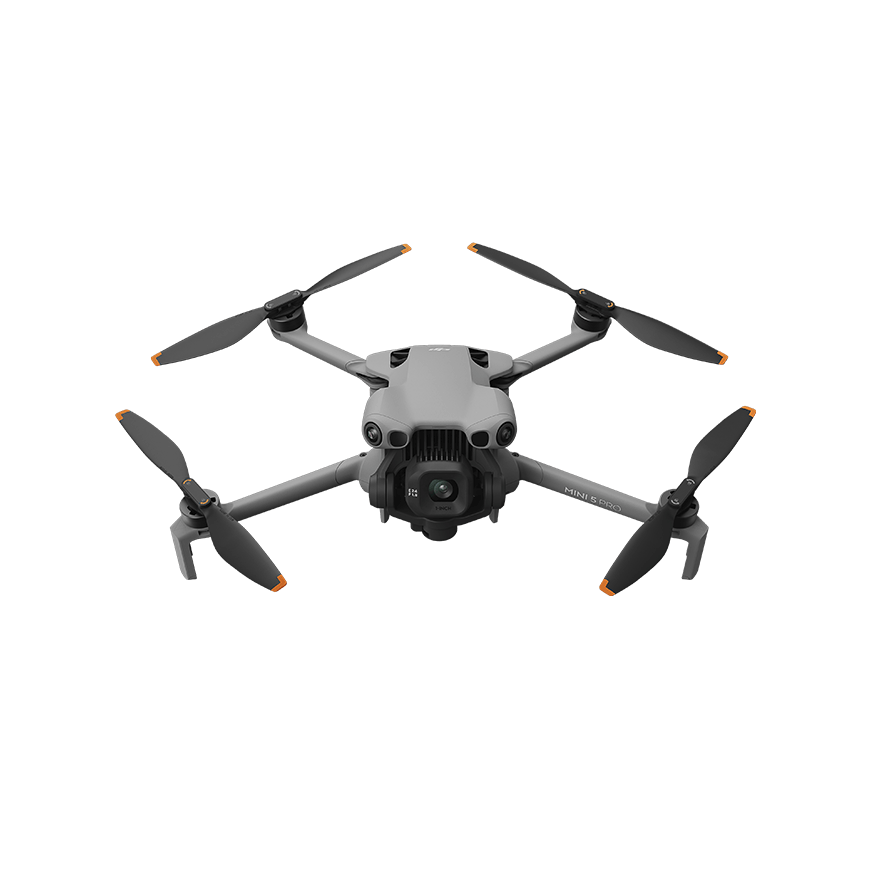
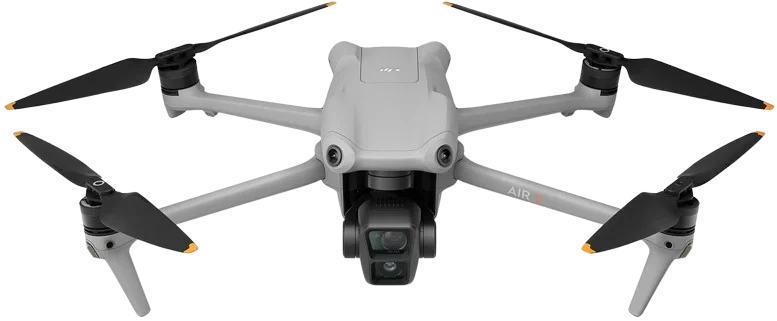
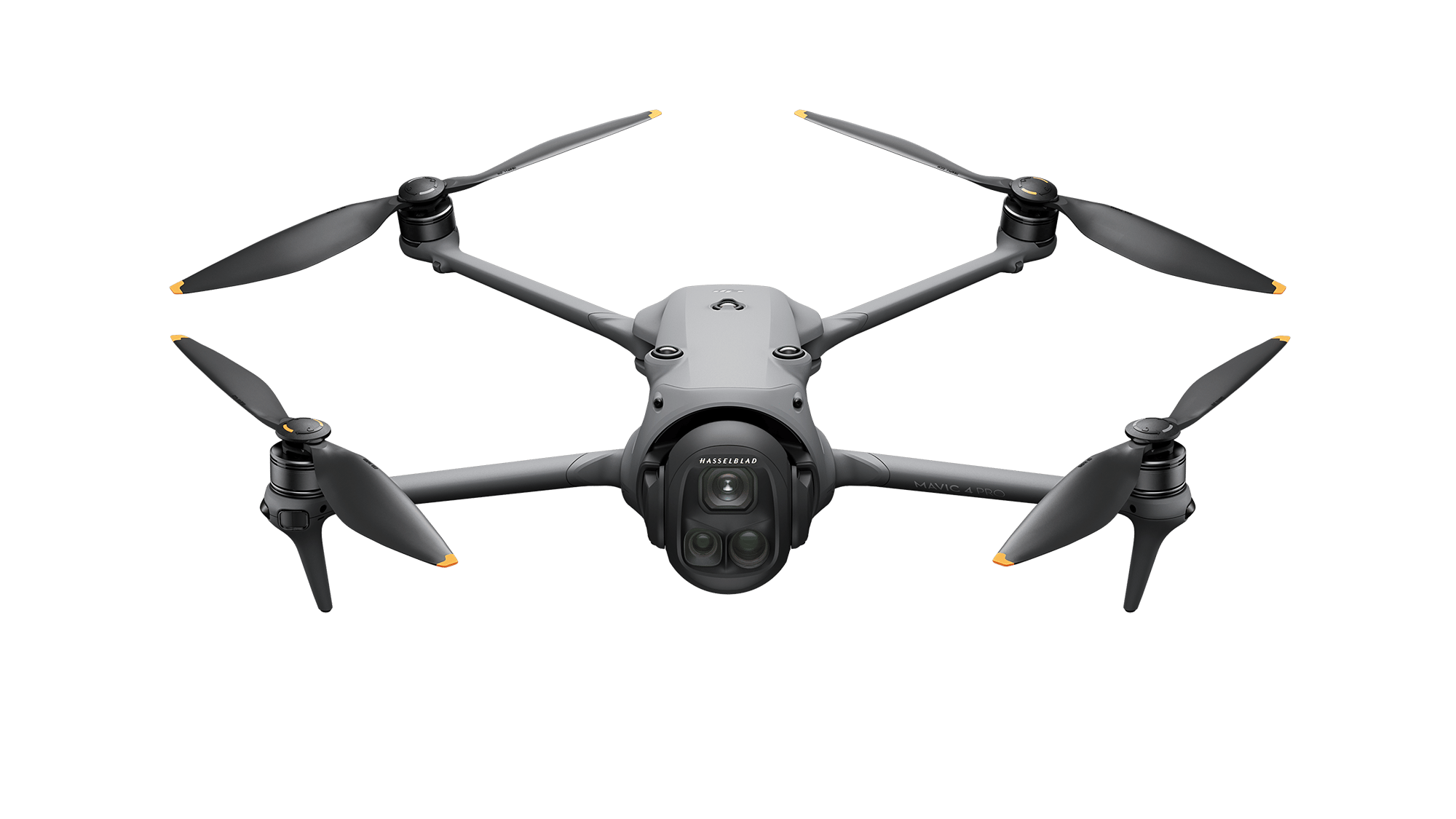
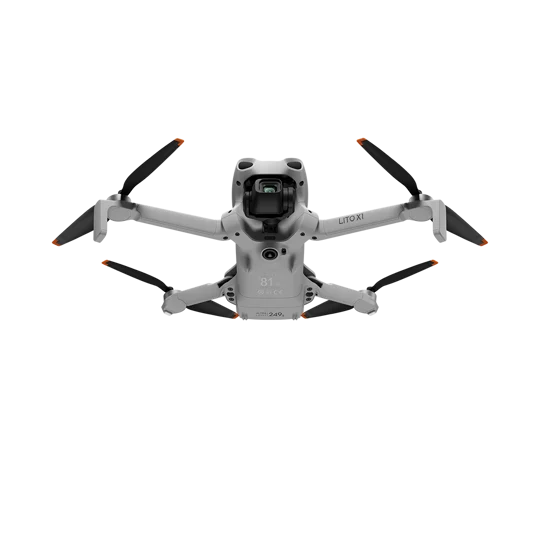
We support most models in the Mini, Air, Mavic, Lito, Avata, Other, Matrice, Inspire, Agricultural series. Check your own device in the list.
- 31+ DJI models supported
- Continuously updated compatibility
- Installation guide included
Blog
Guides & articles
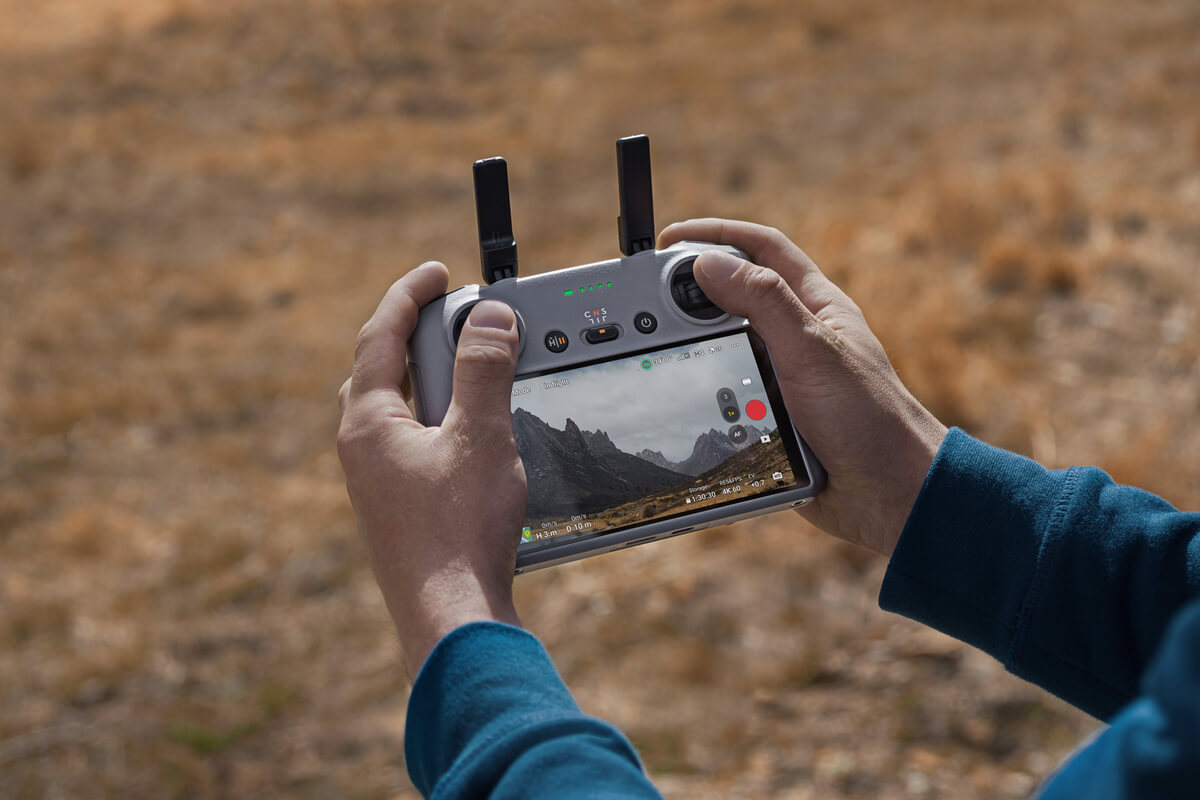
How to install FCC on the DJI RC 2 (V1)
How to install the FCC signal boost software you bought from LabDron.

How do I find my controller's serial number?
You need to enter your controller's serial number when buying FCC software.
LabDron v1.1
The new LabDron app is out!
Help
Frequently asked questions
Create a free account first. Add the product to your cart, enter your controller's serial number (or a username/password for app-based products) at checkout and complete the payment. The license is assigned to your account as soon as the payment is confirmed.
Card payments are processed by an international PCI-DSS certified payment provider with 3-D Secure; your card details are never stored on our site.
Instantly after a successful card payment. The activation result and the installation guide appear under 'My Account > Activations'.
In the DJI Fly / DJI Pilot app, open Settings > About — the controller serial number is listed there. Our blog post explains it step by step.