Windows App · DJI Mini 3 Pro · DJI RC (RM330)
LabDron PC
FCC signal mode, altitude limit and NFZ removal for the DJI Mini 3 Pro; new: FCC and permanent ADB Root for the DJI RC (RM330) controller. Download the app for free; features unlock when you sign in with your labdron.com account using the serial number (drone or controller) tied to your license.
LabDron-PC-Kurulum-0.4.4.exe · 104,3 MB · 9/22/2026 · Windows 10 / 11
What gets unlocked?
FCC Signal Mode
FCC mode instead of the CE power limit; a stronger, more stable video link.
Altitude Limit
The in-app altitude limit is removed; flight responsibility rests with the pilot.
NFZ
No-Fly Zone restrictions are removed.
DJI RC (RM330) · ADB Root
New: FCC and permanent ADB Root access on the RM330 controller. The license is tied to the controller serial number.
Screens from the app
Dark interface, three main screens: connection, license, modifications.
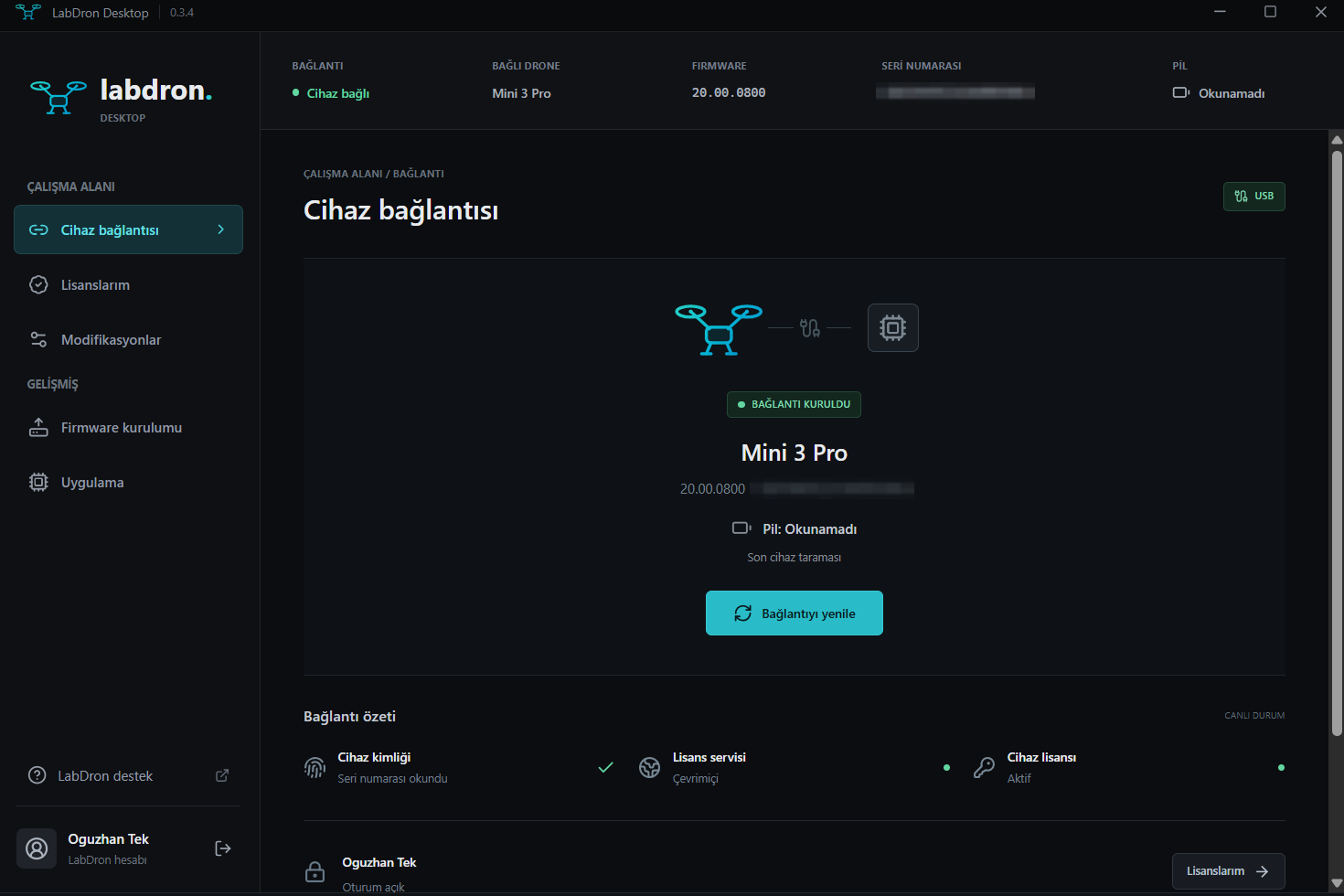
Device connection
The drone connects over USB; model, firmware and serial number are read automatically.
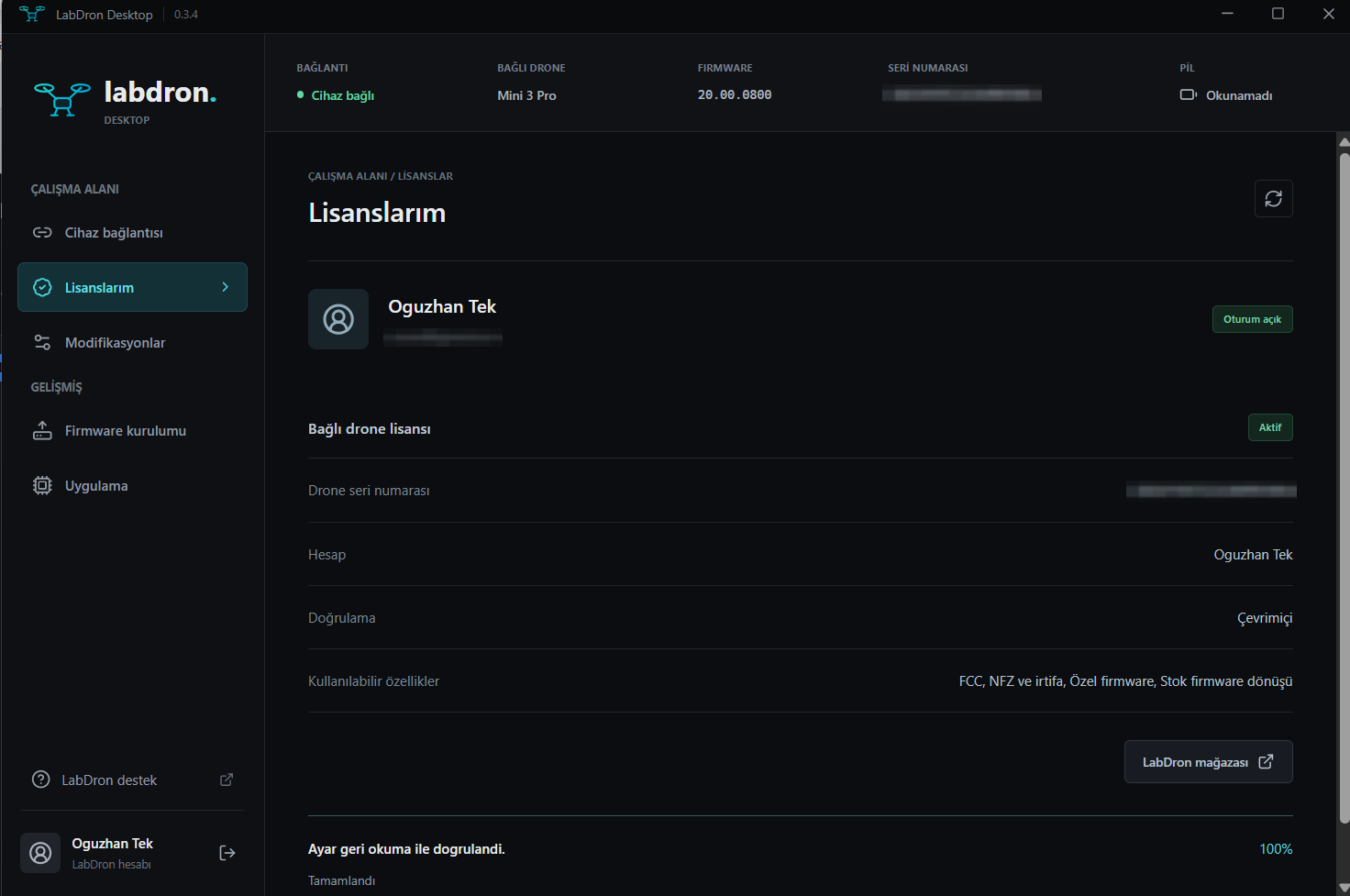
My licenses
Your labdron.com account and the connected drone's license on one screen; features are verified by the server.
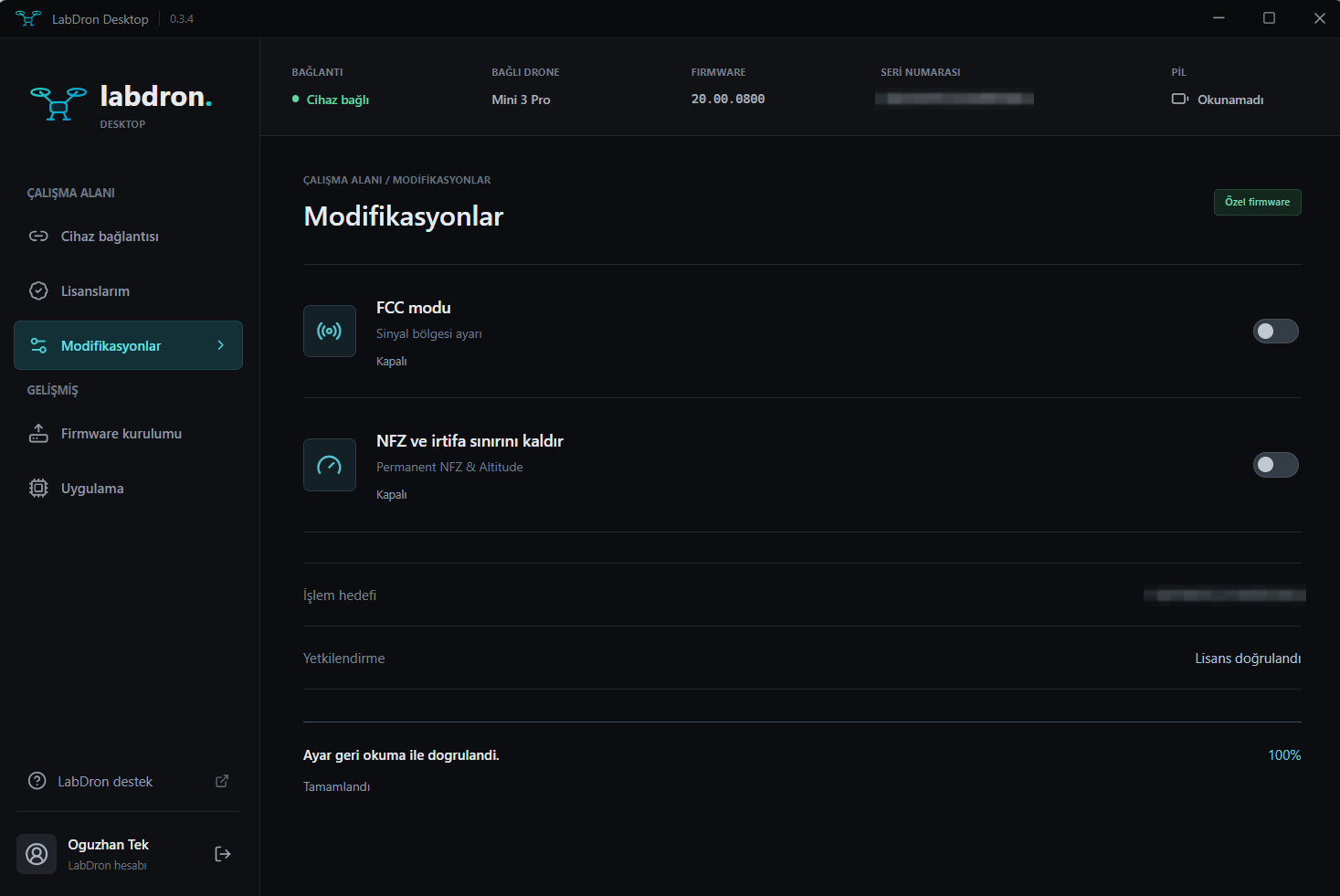
Modifications
FCC mode plus NFZ / altitude switches; every operation is verified by reading it back.
How does it work?
- 1
Download and install the app
The installer is public; no account or purchase is needed to download it.
- 2
Get a license
The license is tied to the drone serial number you enter at checkout. You can license multiple drones with the same account.
- 3
Sign in within the app
The sign-in button opens labdron.com in your browser; sign in with email/password or Google. The app has no separate password.
- 4
Connect the drone
When the drone is connected over USB its serial number is read and the features in your license unlock. Features stay off while no drone is connected.
Requirements
- Windows 10 or 11
- DJI Mini 3 Pro or DJI RC (RM330) controller and a USB data cable
- Internet connection for sign-in and license verification
- labdron.com account (Google sign-in works)
If you see a Windows warning
SmartScreen may say "Windows protected your PC" when opening the installer. Continue with More info → Run anyway. Only download the file from labdron.com.
Manage your license
See your license and the drone serial number tied to it in your account; if you changed drones, request a device reset via support.
My Activations